Signed on Windows
The Windows installer is digitally signed. Windows can verify who published it and detect whether it was altered after signing.
Find the mods most likely causing problems, safely set them aside, and get back to your game.
Buy Now$9.99 — one-time purchase, not a subscription
Your download link is emailed right after you buy — please double-check your email at checkout. Don't see it within a few minutes? Check your spam folder, then email [email protected] and I'll get it to you.
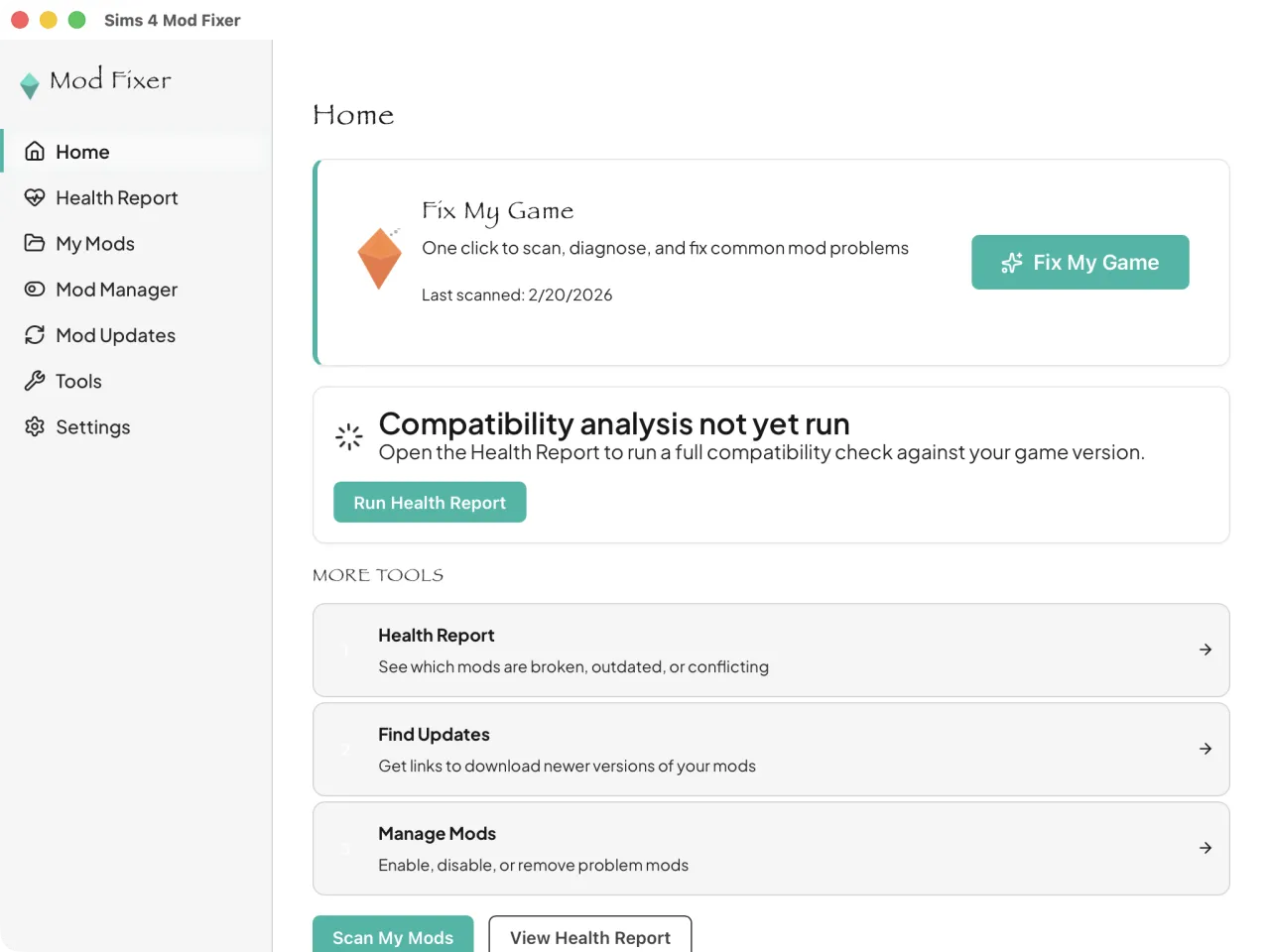
Sims 4 Mod Fixer checks your mods against the game version you actually have installed, so it is ready for each patch without waiting for a new list. Current patch details and a patch-day checklist →
Three steps, all on your own computer.
Point it at your Mods folder. It reads every mod file, including inside subfolders and script archives, and builds a picture of what you have and where things overlap.
It shows which mods are likely broken, outdated, duplicated, or conflicting with your current game version, with the evidence behind each result. If you have already crashed, it reads your crash logs and points to the mod most likely responsible. For anything that needs an update, it points you to the creator's page.
Choose what to disable and it moves those files into a quarantine vault outside your Mods folder. Nothing is permanently deleted, no mod file is rewritten, and you can restore any file from the app once the creator ships an update.
When a scan cannot prove the cause, the guided 50/50 tool tracks each testing round for you and remembers where you left off.
Built for control and reversibility: it identifies likely problems, shows the evidence behind each result, and moves only the files you choose into a quarantine vault that can be restored from the app.
The Windows installer is digitally signed. Windows can verify who published it and detect whether it was altered after signing.
The Mac app is signed with an Apple Developer ID and notarized by Apple. Gatekeeper checks those protections before the app opens.
Your mod files and scan results are analyzed locally and are not uploaded for analysis. There is no account and no usage analytics in the app.
Mods you disable go to a quarantine vault and can be restored from the app. Restoring a file will not overwrite an existing file in your Mods folder.
Full details, network use, file hashes, and how to verify your download are on the Is It Safe? page. How safety flags work is explained on the safety page.
Sims 4 Mod Fixer is an independent tool built to help players find troublesome mods, review clear results, and move selected files into a reversible quarantine. It started as a personal answer to evenings lost to the manual 50/50 method. It has been tested on real Mods folders, including a 13,000-file, 82 GB folder whose first full scan took a few minutes on a Windows 10 PC. It is not affiliated with or endorsed by Electronic Arts.
Run a Health Report on your Mods folder. It flags the mods most likely broken by the patch and shows the evidence for each one. Choose which mods to disable; they move to a quarantine vault so your game can load while you get updates from each creator, and you can restore them from the app.
Yes. The Windows installer is digitally signed, the Mac app is signed with an Apple Developer ID and notarized by Apple, your mod files are analyzed on your own computer, and anything you set aside goes to a quarantine vault you can restore from. File hashes and download verification steps are on the Is It Safe? page.
Yes. Sims 4 Mod Fixer scans every .package and .ts4script file in your Mods folder, including CC (custom content), script mods, and tuning overrides.
It shows why the mod is likely causing trouble, lets you move it into reversible quarantine, and points you to the creator's page for an updated version. The original creator supplies any code update the mod itself needs.
Sims 4 Mod Fixer is a one-time $9.99 purchase. It is not a subscription.
Complete Sims 4 Mod Troubleshooting Guide
Why mods break after patches, how to read crash logs, the 50/50 method, and fixes for the most common errors.
Latest Sims 4 Patch
Which patch is out now, what changed, and a patch-day checklist.
$9.99 — one-time purchase, not a subscription
Your download link arrives by email right after purchase. Questions, refunds, or feature ideas: [email protected]. A person reads every message.