Everything you need to review, demonstrate, or write about Sims 4 Mod Fixer accurately: what it does, what it does not do, the price, the trust details, and the assets. If anything here is unclear, email and a person will answer.
One-liner
Sims 4 Mod Fixer is a $9.99 desktop app for Windows and Mac that scans your Sims 4 Mods folder, shows which mods are likely broken and why, and moves the ones you approve into a restorable quarantine vault, so you skip most of the manual 50/50 method.
Key facts
- Price
- $9.99 USD, one-time purchase. Not a subscription. Sold through Lemon Squeezy.
- Platforms
- Windows 10 or later (64-bit); macOS 10.15 or later, universal build for Intel and Apple silicon.
- Current public version
- 2.6.9, released September 11, 2026 (changelog).
- Developer
- An independent developer in the United States. Not affiliated with or endorsed by Electronic Arts or Maxis.
- Signing
- Windows installer digitally signed. Mac app signed with an Apple Developer ID and notarized by Apple.
- Data handling
- Mod files and scan results are analyzed locally on the user's computer; they are not uploaded for analysis. No account, no in-app analytics.
- Contact
- [email protected]
- Website
- sims4modfixer.com
What it does
- Health Report: reads every
.packageand.ts4scriptfile in the Mods folder (tested on folders with more than 10,000 files) and flags likely broken script imports, likely broken tuning overrides, duplicates, and conflicts, with the evidence behind each finding. - Patch compatibility: checks mods against the game version actually installed, not a hand-made per-patch list. Some results may need review when one mod depends on another.
- Crash log reading: reads
lastExceptionfiles (including the extra detail Better Exceptions adds) and MC Command Center's exception log, and points to the mod most likely responsible. - Quarantine, not deletion: mods the user chooses to disable are moved to a vault outside the Mods folder, logged, and can normally be restored from the app.
- Guided 50/50: when a scan cannot prove the cause, the app tracks each 50/50 round, moves suspects aside, and remembers progress between sessions. The user still launches the game each round.
- Game settings check and repair: detects when a patch switched off mods or script mods and, on request, turns them back on with a backup of the settings file.
- Creator names and source links: reads creator and mod names from file names, keeps a source link you add for any mod, and offers a search link for updates.
- Extras: cache clearing (on request, and automatically between guided 50/50 rounds), save-folder backup to a location the user picks, duplicate finder, an optional diagnostics export ZIP.
- Safety screening: checks script mods for signs of unsafe or unexpected behavior, warns when a script cannot be fully inspected, checks files against known threats, and flags loose or hidden executables, with a published severity rubric.
What it does not do
- It does not rewrite, patch, or "repair" a creator's mod code. Only the creator can update a mod.
- It does not delete mods. The only files it removes are game cache files the user asks it to clear.
- It does not guarantee that every mod will work after a patch; some problems only appear in-game.
- The app scans files in your Mods folder. It does not monitor the game while it is running.
- It does not upload mods, require an account, or collect usage analytics. When it opens it checks GitHub for a newer app version and loads its fonts from Google Fonts.
- It does not host or redistribute mods.
Suggested factual talking points
- "It checks your mods against the game version you have installed, so a flag comes with evidence you can check."
- "Anything you disable goes into a quarantine vault you can restore from; it does not delete mods."
- "The analysis happens on your computer. Its only connections are the app-update check and loading its fonts."
- "The Windows installer is signed and the Mac app is notarized by Apple; the hashes are published so you can verify your download."
- "It won't fix a mod's code. It finds the likely culprit and sends you to the creator for the real update."
- "One-time $9.99, no subscription, and refunds are handled by email."
Trust and verification
The Is It Safe? page holds the full detail: how to verify the Windows signature and the Mac notarization, the exact list of what the app reads and may change, the quarantine exceptions, the SHA-256 hashes of the current installers, and the steps to verify a download. The safety page explains what each safety flag means.
Screenshots and logo
These are the real app and the approved logo. Please do not alter the logo's colors or add badges to it.
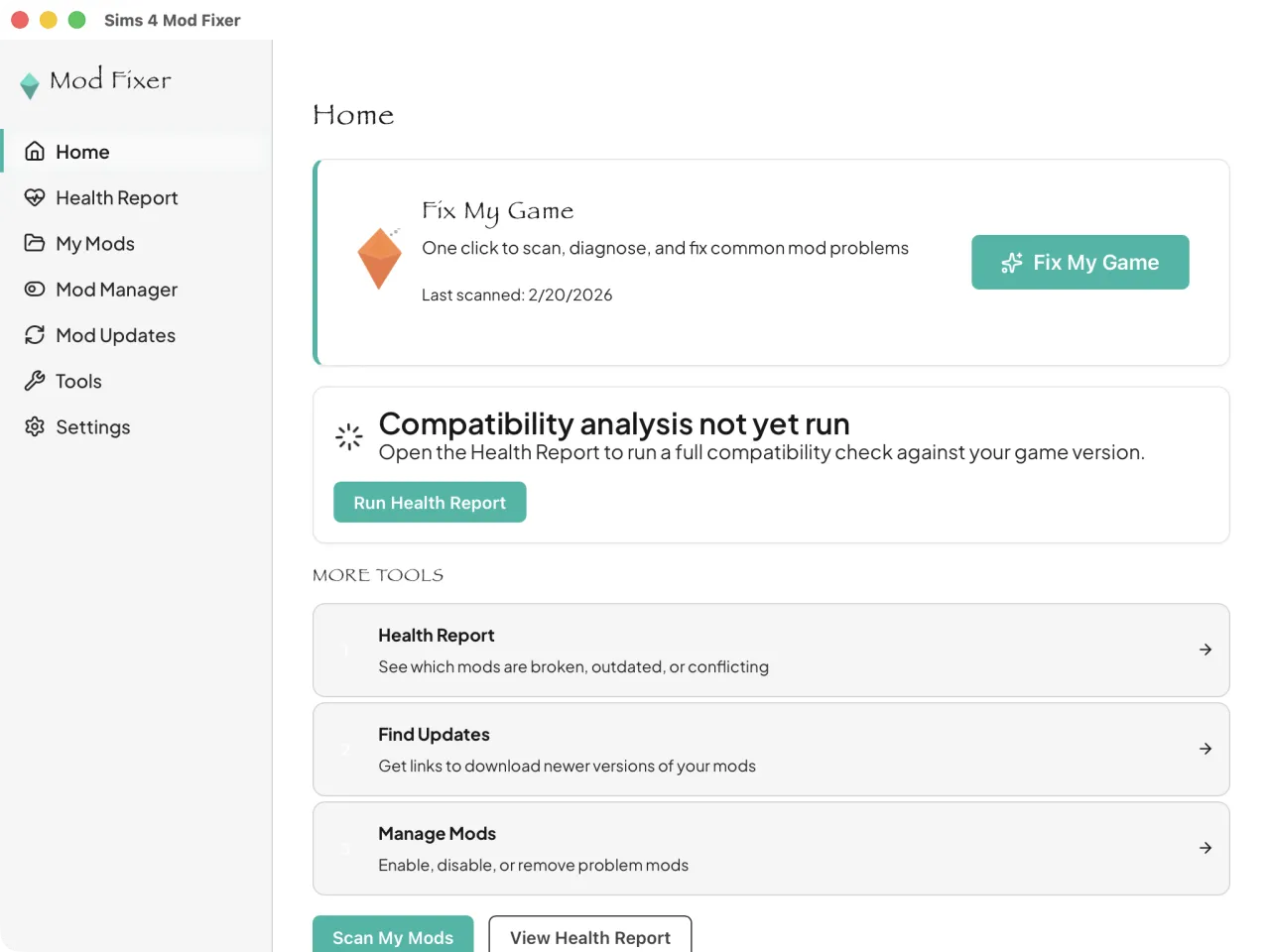
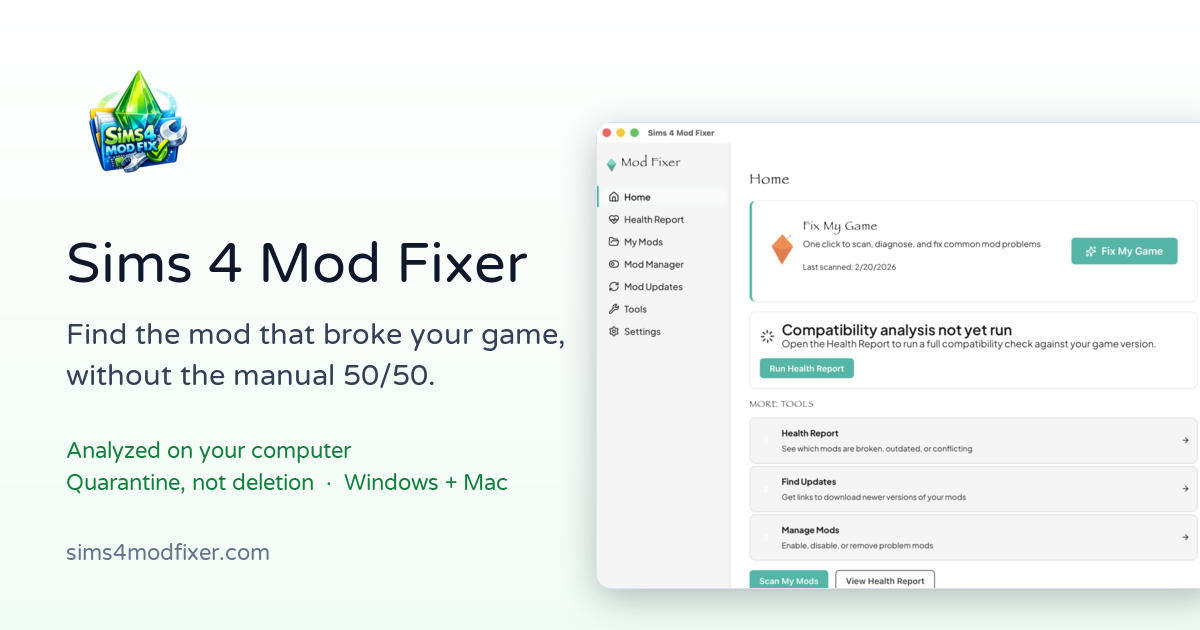
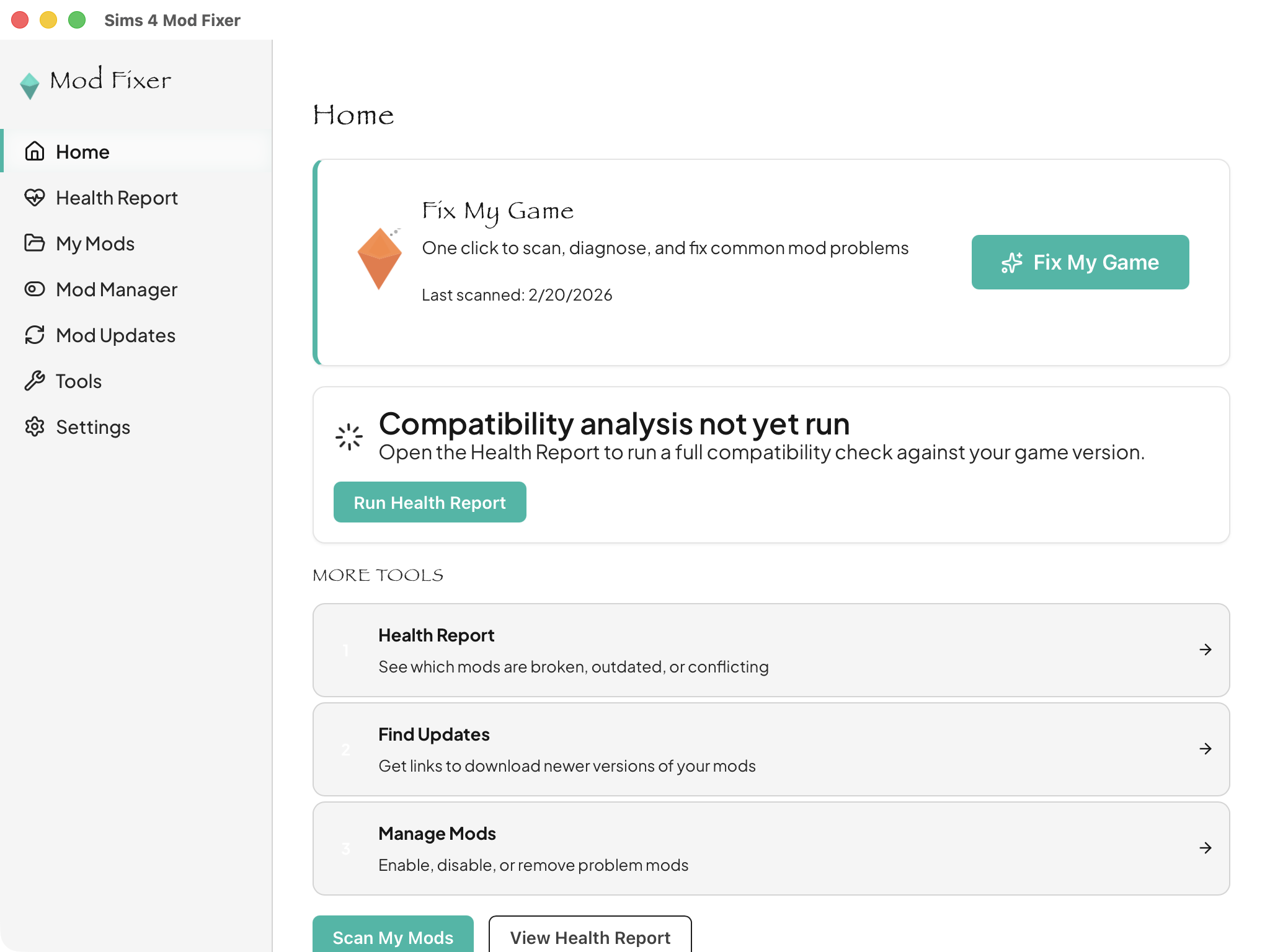
Need a different screen (Health Report, Quarantine, guided 50/50) or a short clip? Email and we will send real captures from the current version.
If you review it
Say what you actually saw, including anything that did not work. If you received a free copy, please disclose that to your audience in the way your platform requires.
Reviews, demos, and collaborations
Want to review it, demonstrate it on stream, or talk about a collaboration? Email [email protected] with the subject "Creator inquiry". Tell us your channel and what you have in mind. A person reads every message and will respond.
Disclosure
Sims 4 Mod Fixer is an independent product. It is not affiliated with, endorsed by, or connected to Electronic Arts, Maxis, or The Sims franchise. The Sims, Sims 4, EA, and Maxis are trademarks of Electronic Arts Inc. Mod names mentioned on this site belong to their creators.